


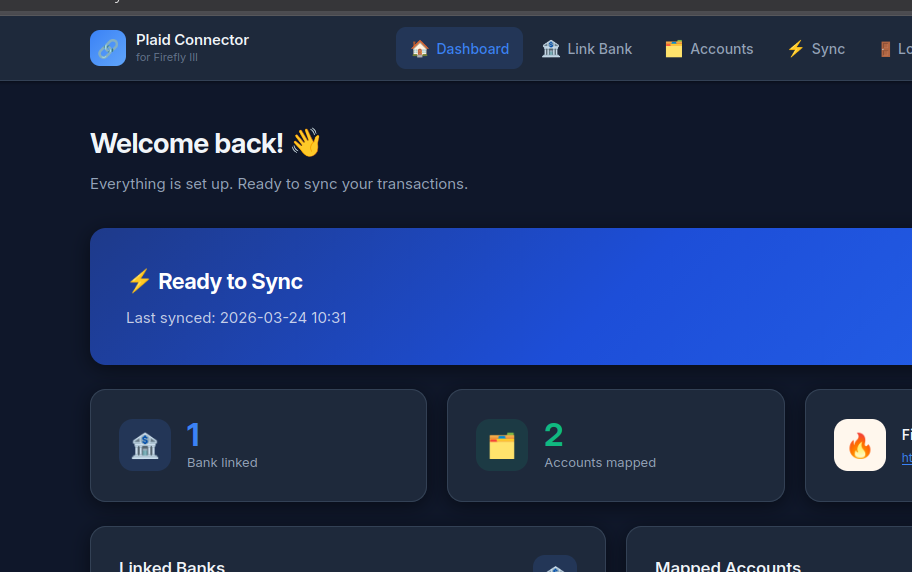
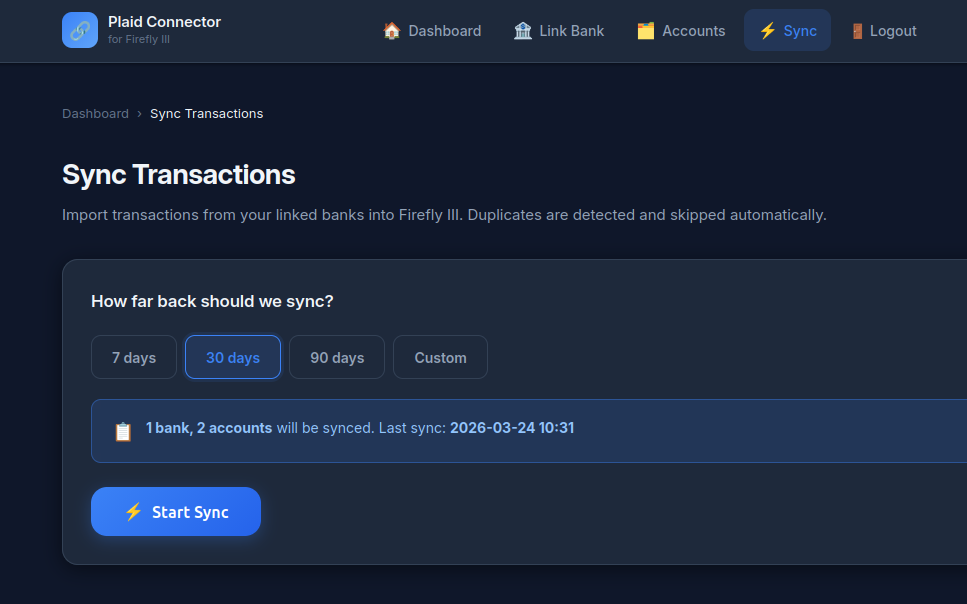
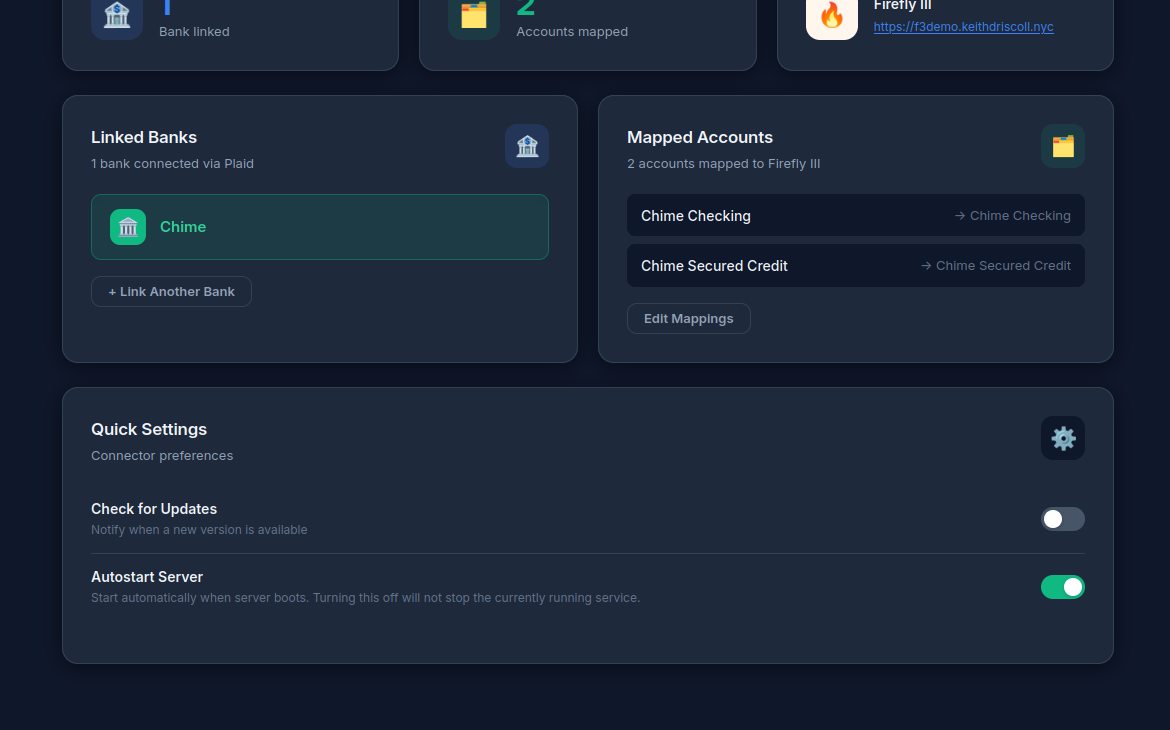
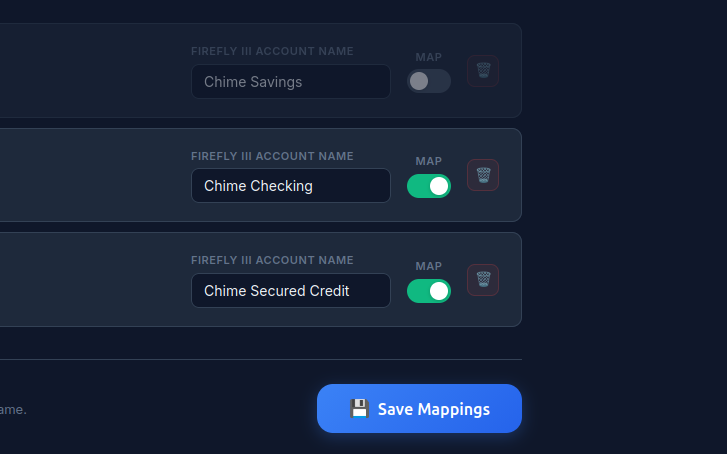
See it in action
Up and running in minutes
git clone https://github.com/keithdriscoll/firefly-iii-plaid-connector.git
cd firefly-iii-plaid-connector
python3 -m venv venv && source venv/bin/activate
pip install -r requirements.txt
python3 app.py
Then open http://your-server:8095 and follow the 6-step setup wizard. That's it.
Full setup guide →
• Python 3.8+
• A running Firefly III instance
• A free Plaid developer account — dashboard.plaid.com/signup
• A Linux server or machine accessible via browser
What it does
Browser-based setup and management — no terminal required after install. Clean, fast, works on any device.
Walks you through everything from a fresh install — Plaid keys, Firefly token, bank linking, account mapping. No guessing.
Link and sync as many banks as you need simultaneously. Chase, Chime, Wells Fargo — all in one place.
Watch transactions import live as they process. Every import is visible and auditable in the UI.
Via Plaid Link — your bank credentials never touch your server. Industry-standard OAuth flow.
Autostart on server boot, toggle from the UI. Runs quietly in the background without babysitting.
Contextual type selection with smart defaults — the connector figures out what kind of account it's dealing with so you don't have to.
Firefly III accounts created automatically if they don't exist yet. No manual setup required on the Firefly side.
Correct balances from day one. The connector calculates and sets your opening balance so Firefly starts with accurate numbers.
Proper classification and balance handling for secured cards — not just stuffed into a generic account type.
Checks Firefly III before creating any transaction. Duplicates are not possible — run sync as many times as you want.
Internal transfers recorded correctly — never as expenses. Moving money between your own accounts works as expected.
Handles PayPal's notorious double-entry behavior cleanly. One transaction in, one transaction recorded.
Plaid's intelligent Personal Finance Categories applied automatically — transactions arrive in Firefly already tagged and organized.
YAML-only persistence — everything is human-readable plain text. No SQLite, no hidden state, nothing you can't inspect.
Credentials never written to config files. Plaid tokens, Firefly tokens, and passwords live in .env — excluded from git.
Full audit completed. bcrypt passwords, CSRF protection, brute force protection, HTTP security headers, SSRF protection, input validation.
What's coming
Six steps to full sync
Enter your free Plaid Client ID and Secret. Takes 30 seconds to get from the Plaid dashboard.
Enter your Firefly III URL and Personal Access Token. Your Firefly instance stays where it is.
Set your username and password for the web UI. bcrypt-hashed, brute-force protected.
Plaid Link opens securely in your browser. Your bank credentials never touch your server.
Match each Plaid account to a Firefly III account name. Smart defaults — usually nothing to change.
Transactions import in real time — watch the feed. After first setup, syncing is one click. That's it. 🎉
Common Questions
No. A free Plaid developer account is all you need. The connector only uses the Transactions product — no paid Plaid features required. Sign up at dashboard.plaid.com/signup.
Your transactions flow from Plaid directly to your Firefly III instance — that's it. Nothing is sent anywhere else. There's no telemetry, no analytics, no external calls beyond Plaid's API and your own Firefly III URL.
Click "Reconnect" when prompted in the UI. Banks periodically require re-authentication via Plaid — this is normal behavior, not a bug. The connector detects expired sessions and shows a friendly prompt instead of a raw error.
Not possible. The connector checks Firefly III before creating any transaction. You can run sync as many times as you want — already-imported transactions are always skipped.
Plaid returns up to 2 years of transaction history. On first sync you'll get everything available. Subsequent syncs only fetch what's new.
Yes. Sandbox mode is fully supported — test everything safely before switching to production. The environment toggle is right in the setup wizard.
Not a bug. Balances reflect what your bank last reported to Plaid — typically end of day. Real-time balances are a Plaid limitation, not a connector issue.